Throw Food For Baddies Beginner Guide: Progress Fast
Use this Throw Food For Baddies beginner guide to train strength, land PERFECT throws, upgrade food, and build steady income with codes and better Baddies.
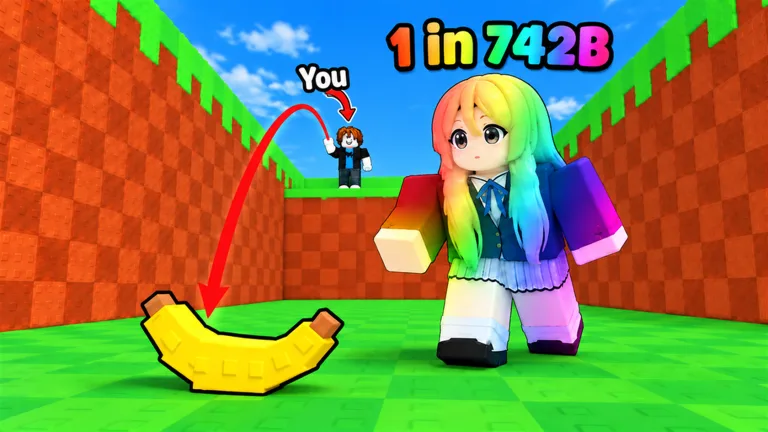
Early Game: Get Your Baddies Earning
Your first Baddies can start paying for the upgrades that bring in your next collection. This Throw Food For Baddies beginner guide walks you through strength training, longer throws, and building steady Money/s. Get those systems working together early so you can afford better food and reach new areas.
1. Follow the Tutorial and Place Your Early Baddies
Open Throw Food For Baddies on Roblox, follow the tutorial, and complete your opening food throws. Collect the Baddies you attract and place them in your base to generate money.
Keep your available earning spaces productive while you build your collection. Replace an early Baddie when you get one with a higher displayed Money/s value. That income funds food purchases and training upgrades, so check your base between throwing sessions.
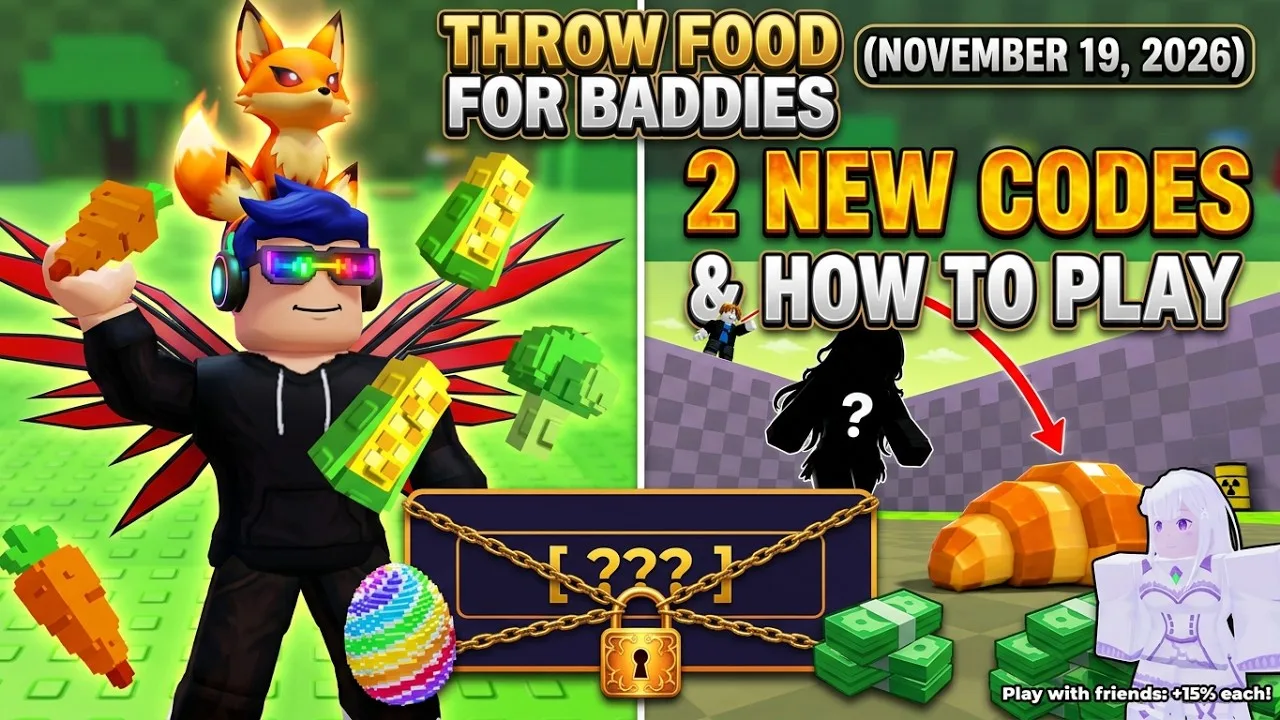
2. Redeem the Starting Codes
Open Shop on the left side of the screen, scroll to Codes, and enter each code in the Enter code here box. Press Redeem after each entry.
| Code | Reward |
|---|---|
RELEASE | 1 Lucky Throw |
RAINBOW | 1 Rainbow Egg |
Copy the capitalization exactly and remove extra spaces. If an entry fails, check your spelling and whether you already redeemed it; codes can also expire.
Use the Rainbow Egg reward to expand your early collection, then compare the resulting Baddie’s income with your current earners. Train before using the Lucky Throw so you can pair its luck boost with a longer toss.
Throwing: Build Strength and Practice PERFECT Timing
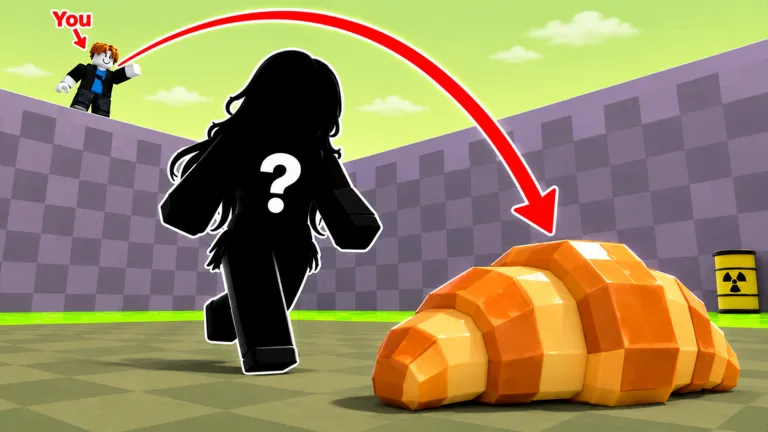 Image: Roblox / Collect Rare Baddies
3. Train Whenever Distance Blocks Progress
Pull-up bars increase Throwing Strength, which helps your food travel farther. Longer flights raise luck through each area, and enough distance lets you reach new areas containing rarer Baddies.
Use this sequence when your throws fall short:
- Return to the pull-up bar and train.
- Upgrade the training bar when you can afford it.
- Train again, then return to throwing.
- Compare your landing distance with your previous attempts.
Work toward the next reachable area rather than an arbitrary strength total. Retest after training so you can see when your range has improved enough to move on.
4. Practice Manual Throws Before Relying on Auto
A PERFECT throw grants extra power. Practice the throwing timing and watch for that result, especially when you are close to reaching farther territory.
Keep the chain in mind: extra power helps the throw travel farther, and farther travel raises luck. A PERFECT result supports that chain; it does not guarantee a particular Baddie.
When using auto throwing, watch where several attempts land. Switch back to manual throws if you can consistently reach farther yourself. Use the distance you actually achieve to decide whether you need more training.
Resources: Spend Where Progress Is Slowing Down
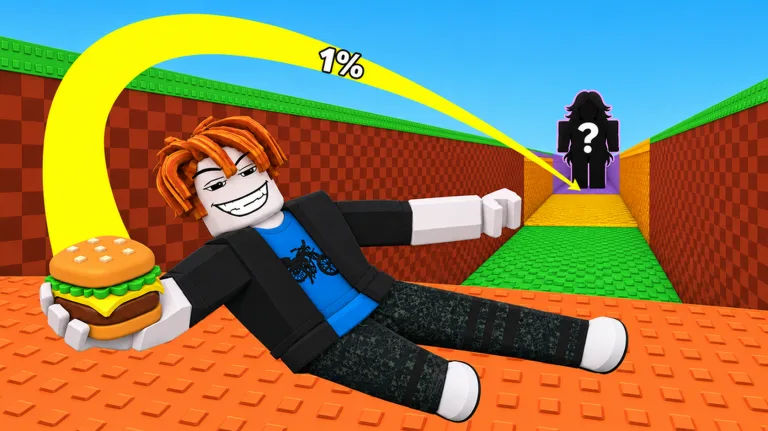 Image: Roblox / Collect Rare Baddies
5. Upgrade Food Once Your Range Is Useful
Better food attracts rarer Baddies. Buy an upgrade when your throws already reach useful territory and you have enough income to afford the purchase.
Match your next action to the problem:
- Food keeps landing short: train Throwing Strength and practice PERFECT timing.
- Your throws reach farther areas, but you still use starting food: visit the food shop.
- The next purchase feels expensive: review your placed Baddies and replace weaker earners.
- Training is falling behind your food upgrades: put money into the training bar.
Avoid spending everything on food while leaving your training setup behind. Both systems contribute to progression, and a new snack does not replace the strength needed to reach distant areas.
6. Compare Money/s Before Replacing Baddies
Rarity and size are separate attributes. Baddies range from Common to Exotic, while Big, Huge, and Colossal sizes provide more Money/s.
Read the displayed income before deciding which Baddie gets a place in your base. Use rarity to track your collection, then compare Money/s when your immediate goal is funding upgrades.
Replace your weakest active earner when a new pull provides a clear increase. Keep useful surplus Baddies available while you learn the fusion system.
Income: Make Your Collection Work Between Sessions
7. Prepare Your Base Before Leaving
Your Baddies continue earning money while you are offline. Before logging off, place your stronger earners and replace any weaker Baddies you have already outgrown.
When you return, spend the accumulated money on the upgrade that addresses your current obstacle: training when range is short, or better food when your throwing distance is already useful.
Playing with friends also increases income by 15% per friend in the session. Servers hold 5 players, so join friends when you want that additional earning boost.
8. Learn Fusion With Surplus Baddies
Fusion combines Baddies to produce mutations. Start by reviewing the Baddies you can spare, then inspect the fusion requirements before committing them.
Protect the Baddies currently supporting your income. Use surplus collection members first, and compare the resulting Baddie’s Money/s with your active lineup before making replacements.
Beginner Mistakes to Avoid
9. Judge Progress Across Several Throws
One rare pull does not make every following throw equally rewarding. Watch your landing distance, improve your food, and compare new Baddies over several attempts.
If results feel stalled, inspect those systems before spending more: your training bar, Throwing Strength, throwing timing, food, and placed earners. Change the part holding you back, then test again.
10. Understand the Loop Before Buying Passes
The paid options include 2x Training Power and Double Money at 199 Robux each, plus Galaxy Donut at 299 Robux.
Learn the training, throwing, and income systems before choosing a purchase. Practice PERFECT throws and review your base first so you understand which part of progression you want to speed up.
Continue exploring
Throw Food For Baddies Big Baddies: Size and Income Guide
Learn how Throw Food For Baddies big baddies boost Money/s, how sizes differ from rarity, and how training and better food help improve your collection.
Throw Food For Baddies Fusion: Mutation Guide & Tips
Learn how Throw Food For Baddies fusion creates mutations, choose spare Baddies, protect your Money/s, and keep your collection earning while you upgrade.
Join the community
Official channels for news, updates and player help: